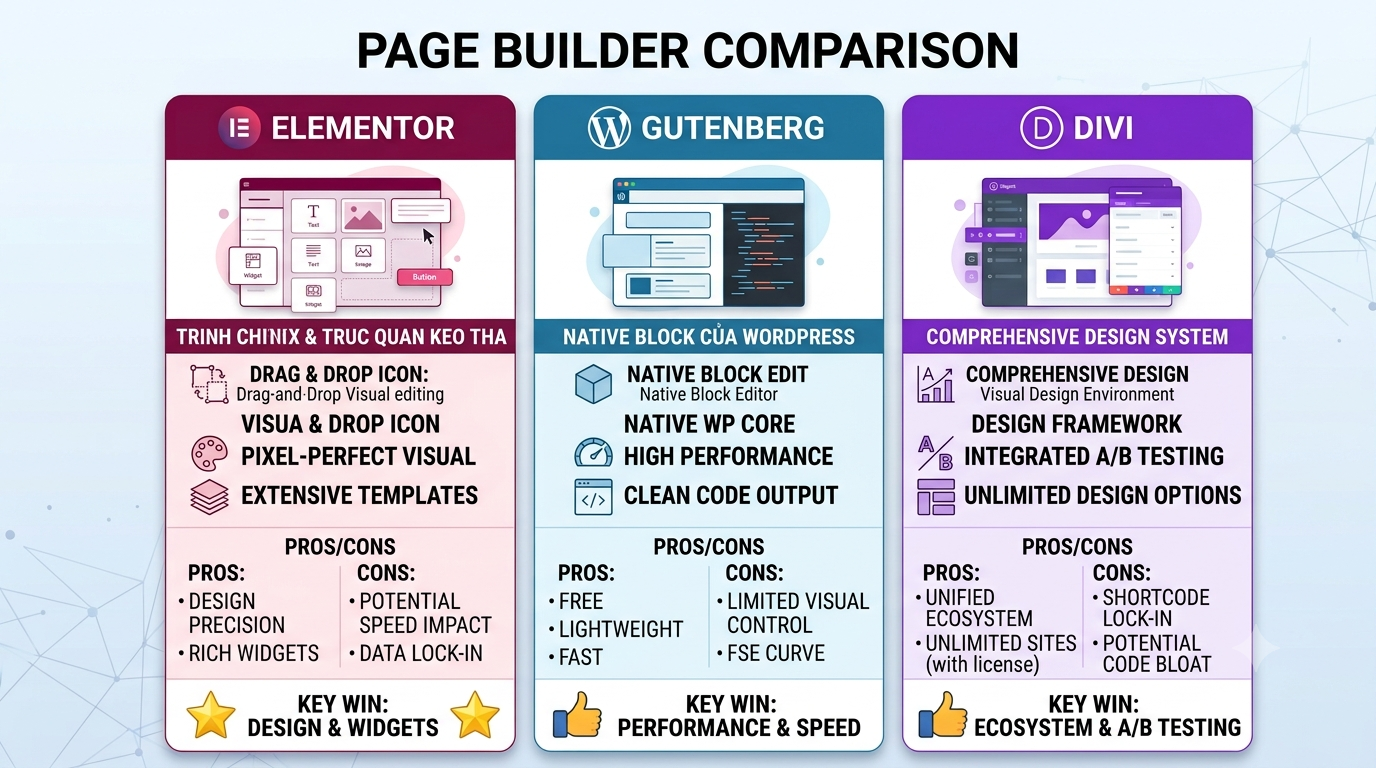
Choosing the right WordPress page builder can have a major impact on how easily you build, customize, and maintain your website. Elementor, Gutenberg, and Divi are three of the most popular options, but they take very different approaches to website creation.
For beginners, freelancers, agencies, and business owners, the question is not simply which page builder has the most features. The better question is: which builder fits the way you want to create and manage your WordPress website?
In this guide, we compare Elementor vs Gutenberg vs Divi across ease of use, flexibility, performance, customization, templates, learning curve, and overall suitability for different types of WordPress websites.
Elementor vs Gutenberg vs Divi: At a Glance
Before looking at each builder individually, it helps to understand the basic difference between them.
| Feature | Elementor | Gutenberg | Divi |
|---|---|---|---|
| Editor style | Visual drag-and-drop | Block editor | Visual drag-and-drop |
| Ease of use | Very easy | Easy to moderate | Easy to moderate |
| Design flexibility | Very high | High with block extensions | Very high |
| Native WordPress integration | Requires plugin | Excellent | Requires theme/plugin |
| Best for | Visual website building | Lightweight WordPress sites | Design-focused websites |
| Theme ecosystem | Very large | Very large | Strong Divi ecosystem |
There is no universal winner. Each option has strengths that make it particularly useful for certain projects.
1. Elementor: Best for Visual Design and Flexibility
Elementor is one of the most widely used visual page builders in the WordPress ecosystem. Its main advantage is straightforward: you can design pages visually without having to work directly with code.
The editor uses a drag-and-drop interface where you can add headings, images, buttons, columns, containers, forms, sliders, and other elements directly to a page.
This approach is particularly useful for users who care about visual control. Instead of writing CSS for every layout adjustment, you can change spacing, typography, colors, responsive settings, positioning, and other design properties directly from the editor.
Why Elementor Is Popular
- Visual drag-and-drop editing
- Large widget ecosystem
- Responsive design controls
- Extensive template library
- Works with a large number of WordPress themes
- Suitable for business, agency, portfolio, restaurant, hotel, and eCommerce websites
- Easy for non-developers to understand
Elementor can also be a strong choice when purchasing a pre-designed WordPress theme. Many premium themes are already built around Elementor, allowing users to import a demo and customize it instead of starting from a blank page.
For example, La.Revi is a luxury restaurant and hotel WordPress theme built on Elementor. Its demo is designed around restaurant and hospitality websites, making it a practical example of how a visual page builder can be combined with a purpose-built theme.
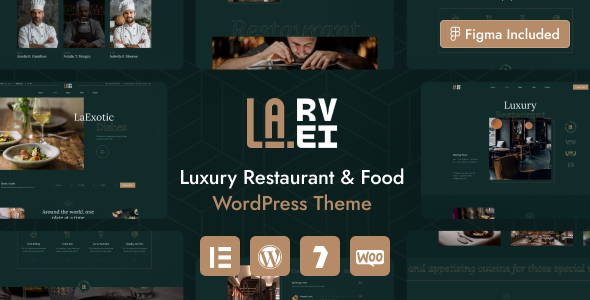
Explore La.Revi – Luxury Restaurant WordPress Theme
Potential Drawbacks of Elementor
The biggest consideration is that Elementor adds another layer to WordPress. A complex page containing many widgets, animations, third-party scripts, and large assets can become heavier than a simple block-based page.
That does not mean Elementor websites are automatically slow. Performance depends heavily on theme quality, hosting, images, plugins, caching, JavaScript, and how the page is built.
Our guide on WordPress Speed Tips Before You Add More Plugins covers several of these practical performance considerations.
2. Gutenberg: Best for Native WordPress Editing
Gutenberg takes a fundamentally different approach. Rather than being an external visual builder, Gutenberg is the block editor integrated into WordPress itself.
Instead of placing individual widgets on a canvas, you build content using blocks. A paragraph, image, heading, button, gallery, columns, query loop, and many other elements can be represented as blocks.
This makes Gutenberg particularly attractive for users who want to stay close to the WordPress core experience.
Advantages of Gutenberg
- Built directly into WordPress
- Simple content editing workflow
- Works naturally with block themes
- Good choice for blogs and content-heavy websites
- Can produce relatively lean page structures
- Strong integration with WordPress features
Gutenberg has also evolved considerably beyond the basic post editor. With block themes and Full Site Editing, users can customize more parts of a website without relying on a traditional page builder.
For developers and experienced WordPress users, Gutenberg can also be attractive because blocks provide a structured foundation for creating reusable content components.
Where Gutenberg May Feel Limited
The main limitation for some users is the visual design workflow. If you expect a highly visual, pixel-oriented editor with a large collection of design controls, Gutenberg may initially feel less intuitive than Elementor or Divi.
Third-party block plugins can add more functionality, but that also means installing additional extensions. As with any WordPress site, adding too many overlapping plugins can make maintenance more complicated.
Gutenberg is therefore especially compelling when your priority is content publishing, native WordPress integration, and a relatively straightforward editing environment.
3. Divi: Best for Design-Focused WordPress Users
Divi is another major visual page builder in the WordPress ecosystem. It combines a visual editing interface with a large collection of pre-designed layouts and design controls.
Divi is particularly well known among freelancers, designers, and agencies that want to build visually sophisticated websites without coding every component manually.
Why Choose Divi?
- Visual front-end editing
- Large collection of layouts
- Extensive design controls
- Global styling capabilities
- Strong focus on visual consistency
- Useful for agencies and designers managing multiple website projects
Divi’s design system can be particularly useful when you want to establish consistent typography, colors, spacing, buttons, and other visual elements across a website.
It is also a good option for users who prefer working entirely within a visual design environment instead of combining the WordPress editor with separate customization tools.
Potential Drawbacks of Divi
The main consideration is ecosystem dependency. If your website is heavily built around Divi-specific layouts and modules, changing to another page builder later may require significant rebuilding.
This is not unique to Divi. The same principle applies to any page builder that introduces proprietary layouts or widgets.
Before choosing a builder, think beyond the first website launch. Consider how easy the site will be to maintain, update, redesign, or hand over to another developer in the future.
Elementor vs Gutenberg vs Divi: Ease of Use
If you are completely new to WordPress, all three builders can be learned, but the learning experience is different.
Elementor
Elementor is usually the easiest choice for users who want to visually design pages. The drag-and-drop interface makes the relationship between the editor and the final page easy to understand.
Gutenberg
Gutenberg is arguably the most natural choice for users who primarily write posts and pages. Its block-based approach feels close to a modern document editor.
Divi
Divi offers extensive visual controls, but the number of options can require more time to master. Once learned, however, its design workflow can be powerful for users who build websites regularly.
Winner for beginners focused on visual design: Elementor.
Winner for straightforward WordPress content: Gutenberg.
Winner for design-focused workflows: Divi.
Performance: Which Page Builder Is Fastest?
Performance is one of the most common reasons people compare page builders, but there is an important distinction to make.
A page builder alone does not determine whether a WordPress website will be fast.
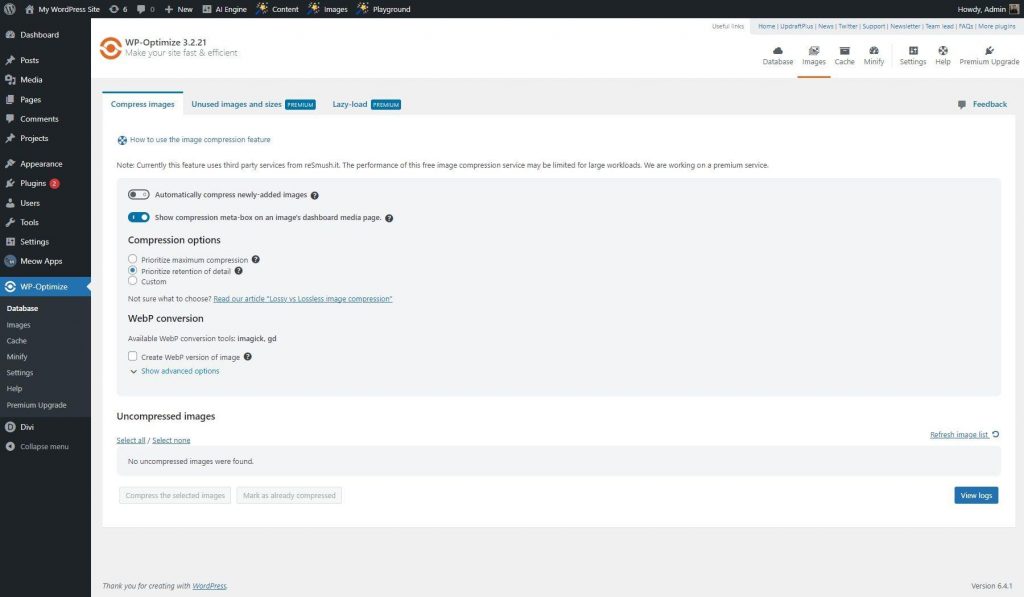
Images, hosting, caching, fonts, plugins, JavaScript, CSS, theme implementation, and third-party services can all affect Core Web Vitals and real-world performance.
For example, a carefully optimized Elementor website can perform better than a poorly optimized Gutenberg website with oversized images and excessive third-party scripts.
When evaluating performance, measure the actual website rather than relying solely on general claims about one builder being faster.
For a deeper look at performance optimization, see How to Improve WordPress Core Web Vitals.
Customization and Design Flexibility
When it comes to advanced visual customization, Elementor and Divi generally provide more direct design controls than the standard Gutenberg experience.
Gutenberg can become highly flexible when combined with block themes and additional block functionality, but the workflow is different. It focuses more on structured blocks and WordPress-native editing than on a traditional visual canvas.
For landing pages, marketing websites, creative portfolios, restaurant websites, hotels, and agency websites where visual presentation is a major priority, a dedicated visual builder can save considerable time.
On the other hand, blogs, documentation websites, editorial sites, and content-focused projects may benefit from Gutenberg’s simpler publishing workflow.
Which Page Builder Should You Choose?
The right choice depends on what you are building.
Choose Elementor If:
- You want a visual drag-and-drop editor
- You are building a highly customized business website
- You want access to a large theme ecosystem
- You frequently build landing pages
- You prefer visual control over coding
- You are buying an Elementor-based premium WordPress theme
Choose Gutenberg If:
- Your website is primarily content-focused
- You prefer native WordPress functionality
- You want a block-based editing experience
- You want to minimize dependence on a separate page builder
- You are comfortable working with block themes and WordPress Site Editor features
Choose Divi If:
- You want an extensive visual design system
- You build design-heavy websites
- You like working with pre-built layouts
- You manage multiple client projects
- You want strong global styling and visual customization controls
What About WordPress Themes?
Your page builder decision should also influence your theme choice.
If you purchase a theme that was specifically designed for Elementor, using Elementor will generally provide a smoother workflow than trying to replace the intended builder with another system.
For example, La.Revi is explicitly built around Elementor and includes responsive layouts, demo import functionality, custom widgets, and other features designed around its intended WordPress workflow.
This is why it is important to check theme compatibility before choosing a page builder. A beautiful demo can look very different if the required builder, plugins, or demo content are not installed correctly.
Before installing a premium theme, our guide How to Install a WordPress Theme Without Breaking Your Site is also useful for reviewing the basic setup process.
Final Verdict
So, which is better: Elementor, Gutenberg, or Divi?
There is no single answer for every WordPress project.
Elementor is an excellent all-round choice for users who want visual editing, extensive customization, and access to a large ecosystem of themes and extensions.
Gutenberg is the strongest choice for users who value WordPress-native editing, structured content, and a simpler block-based workflow.
Divi remains a strong option for designers, freelancers, and agencies who want an extensive visual design system and pre-built layouts.
The best approach is to choose the builder based on your project rather than chasing a universal “best” page builder. Consider your design requirements, content workflow, theme compatibility, performance strategy, maintenance needs, and long-term flexibility.
And if you are starting with a professionally designed Elementor theme, choosing a theme that already matches your preferred workflow can save hours of setup and customization.