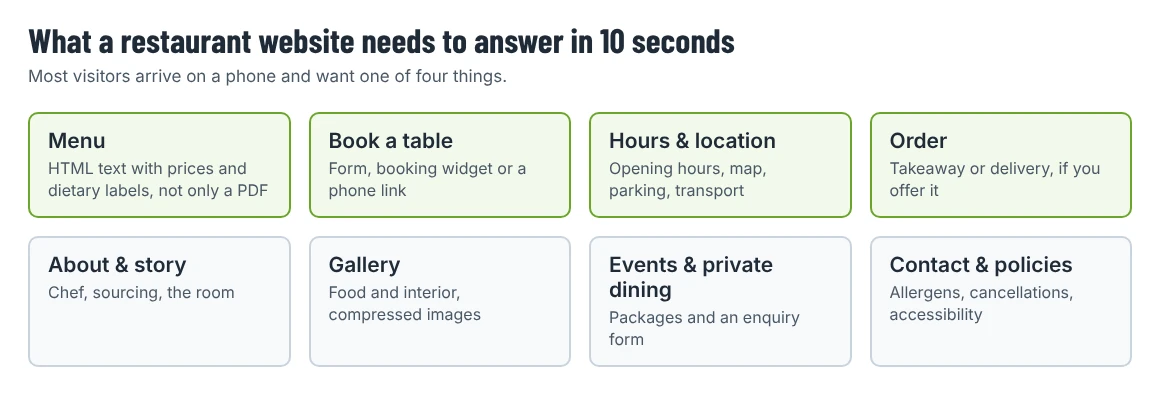
Someone looking at a restaurant website on their phone usually wants one of four things: the menu, a table, the opening hours and address, or a way to order. If they can’t find it in a few seconds, they phone, or they go to a delivery app or a competitor.
This guide shows how to plan a restaurant website in WordPress around those four answers, which plugins and settings handle each part, and how to choose a theme. It is for owners who build their own site and for designers building one for a client.
1. Put the menu on the page as text
A PDF menu is easy to upload, but it is awkward on phones, invisible to some screen readers and harder for search engines to read. Build the menu as a normal page instead:
- Group dishes by course or category with clear headings.
- Show prices and short descriptions.
- Mark dietary information consistently (vegetarian, vegan, gluten-free) and explain the symbols once.
- Add an allergen note and say how guests can ask for full allergen information. Allergen rules depend on your country; check what applies to you.
- If you also want a downloadable version, link to a PDF from the menu page rather than replacing the page with it.
Many restaurant themes include menu layouts: tabs per category, price lists or dish cards. If you change the menu often (daily specials, seasonal menus), choose a layout that is quick to edit: a page builder section or a simple list, rather than an image someone has to redesign every time.
2. Make booking a table easy
You have three common options:
| Option | Good for | Things to check |
|---|---|---|
| A booking plugin | Restaurants that manage bookings themselves | Email notifications, maximum party size, time slots, how you confirm or decline requests |
| An embedded widget from a reservation service you already use | Restaurants already on a booking platform | The widget loads quickly on mobile and works without third-party cookies being accepted |
| A phone link and a simple enquiry form | Small places that prefer to talk to guests | A clickable tel: link on every page; a form for group bookings |
One plugin option from the WordPress.org directory is Five Star Restaurant Reservations. When we checked on 2 October 2026, its page showed version 2.8.0, 10,000+ active installations and testing up to WordPress 7.1.2. Its free version handles booking requests, lets you confirm or reject them, and sends email notifications to guests and to the restaurant; the form can be added with a block or the [booking-form] shortcode.
Whatever you choose, test a booking from start to finish, including the confirmation email, before launch.
3. Show hours, address and how to get there
Put opening hours and the address in the footer so they appear on every page, and give them a full section on the contact page with:
- A map embed and a written address.
- Parking and public transport notes.
- Accessibility information (step-free access, accessible toilets).
- Holiday and seasonal hours, updated before each holiday.
Make sure the name, address, phone number and hours match your Google Business Profile and directory listings. Mismatched hours are a common source of frustrated reviews.
Structured data helps search engines read these details. Google’s documentation on local business structured data lists Restaurant as a LocalBusiness type and recommends properties such as openingHoursSpecification, telephone, servesCuisine, menu (a link to your menu) and priceRange. Most SEO plugins can output this data from a settings screen; you rarely need to write it by hand.
4. Decide how ordering works
- No online ordering: fine for many restaurants. Say so clearly and show the phone number for takeaway.
- Through a delivery platform: link to your listing with a clear button. Customers leave your site, but you avoid running payments.
- On your own site: WooCommerce can sell takeaway items, gift cards or meal kits. When we checked, WooCommerce was at version 11.1.2, required WordPress 7.0 or later and had 7+ million active installations. For real-time takeaway ordering with time slots and delivery areas you will usually need extra plugins on top of WooCommerce, so price those in before you commit.
If you sell online, add the policies customers need: delivery areas, cancellation and refund rules, and allergen information for each product.
The supporting pages
- About: the people, the story, where ingredients come from.
- Gallery: compress images before uploading; restaurant galleries are often the heaviest pages on the site. Our guide to improving WordPress Core Web Vitals explains how image size affects loading speed.
- Events and private dining: packages, capacity and an enquiry form.
- Contact and policies: booking terms, cancellation rules, accessibility.
Choosing a restaurant theme
When you compare demos, check:
- Menu layouts that are easy to edit, not images of menus.
- A booking section you can connect to your plugin or widget.
- Mobile header: phone and booking buttons visible without opening the menu.
- Image handling: large food photos look great in demos; make sure the theme supports responsive images and doesn’t rely on huge background videos for key content.
- WooCommerce styling if you plan to sell online.
Shtheme restaurant themes
Disclosure: Shtheme publishes this blog; the themes below are our products. All are paid themes built for Elementor; details come from their product pages, checked on 2 October 2026.
Winta is aimed at steakhouses, wine restaurants and bars. Its demo puts the menu first: the hero heading and the main button both lead to it.
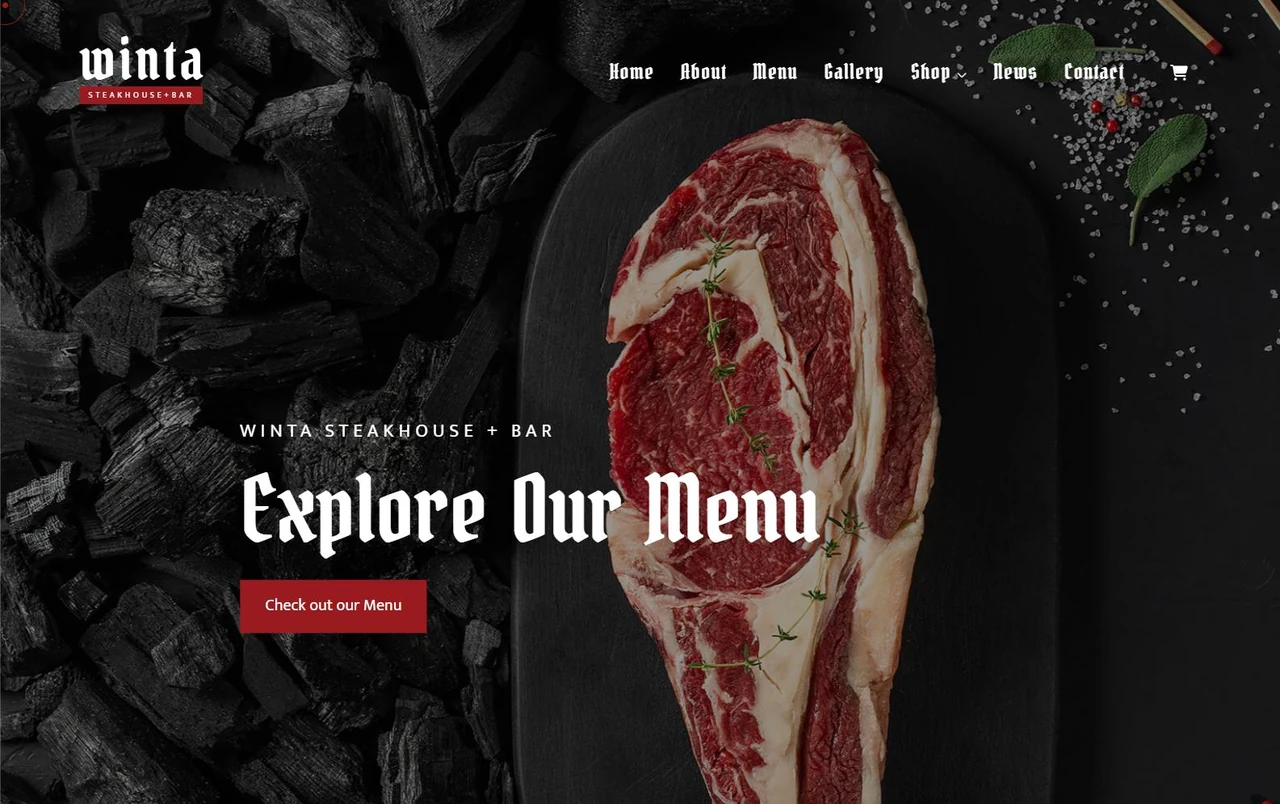
Winta’s listing also mentions catering and food truck or online food store use, and its product page lists WooCommerce among compatible tools. Regular License $129. View Winta · Live demo
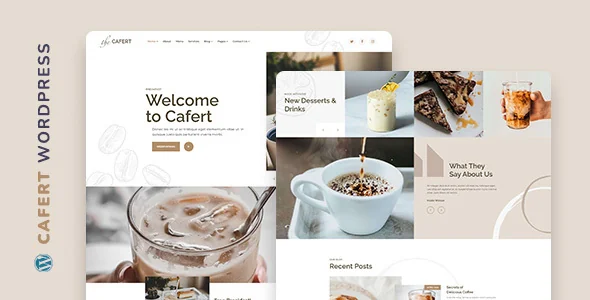
Cafert is a lighter design for cafés, bakeries, pubs and pizzerias. Its description mentions two home pages, a menu in tabs sorted by category and a booking form; WooCommerce is listed as compatible. Regular License $59.
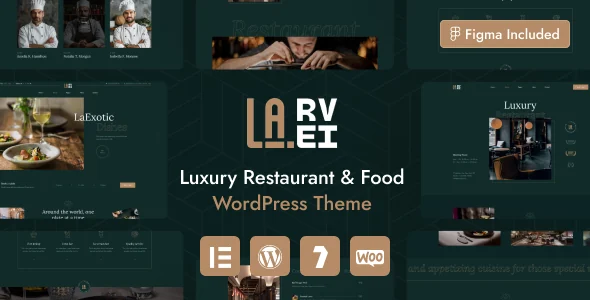
La.Revi targets fine dining and restaurants attached to hotels, with restaurant menu, room showcase and reservation sections listed on its product page. Regular License $69.
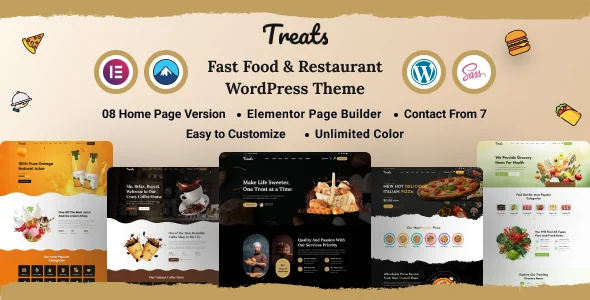
Treats is designed for fast food and casual restaurants; its preview lists eight home page versions. Regular License $59.
For a wider comparison that includes themes from other authors, see our Top 20 restaurant and café themes.
Launch checklist
- The menu is a text page with prices, dietary labels and an allergen note.
- A test booking went through and both confirmation emails arrived.
- Hours and address appear in the footer and match your Google Business Profile.
- Phone and booking buttons are visible in the mobile header.
- Gallery and hero images are compressed.
- Ordering (if any) has clear delivery areas and refund rules.
- Holiday hours are planned into your update routine.
A restaurant site is never finished: menus change, hours shift with the seasons, and events come and go. Choose a setup your staff can update in five minutes, and the site will stay accurate long after launch. If you are building on WordPress for the first time, start with our guide to pages, posts and menus and the first-week security checklist.